


Hey there! As a supplier of stickers and labels, I often get asked, "What software can I use to design stickers and labels?" Well, you're in luck because I've got some great recommendations for you.
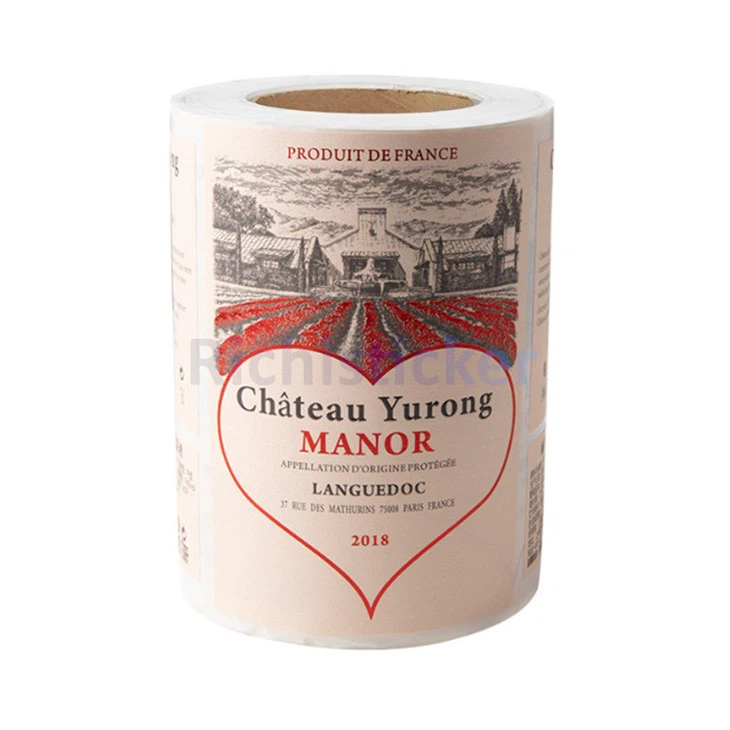
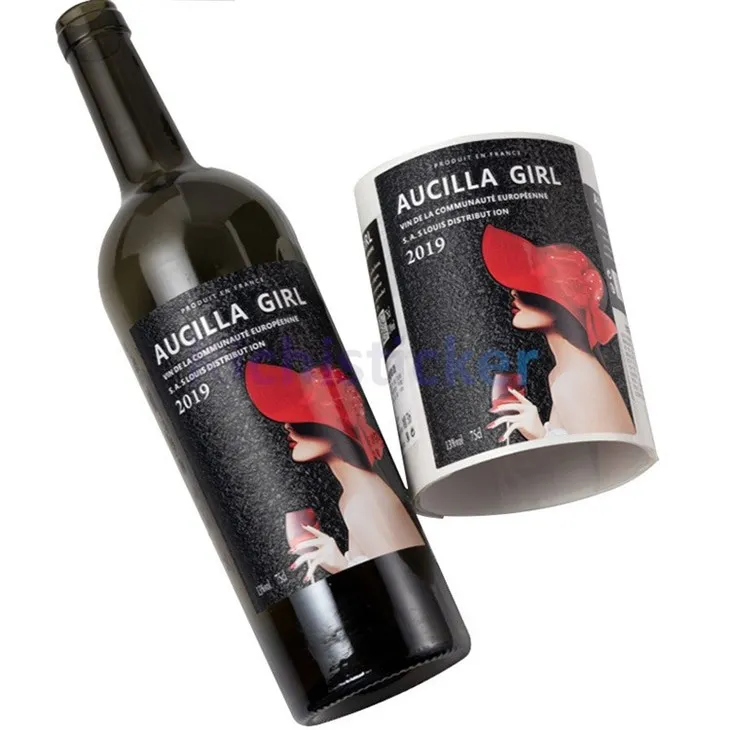
First off, let's talk about Adobe Illustrator. It's a powerhouse in the graphic design world, and for good reason. With its vector - based editing capabilities, you can create high - quality, scalable designs. Whether you're designing a simple logo for a sticker or an elaborate label for a product, Illustrator has got you covered. You can play around with different shapes, colors, and fonts. The layer feature is super handy too. You can separate different elements of your design, making it easier to edit and adjust them later. For example, if you're making a Textured Red Wine Bottle Vinyl Stickers, you can have one layer for the background, another for the text, and yet another for any decorative elements. It also has a vast library of tools for things like gradient fills, which can give your stickers and labels a really professional look.
Another great option is Canva. Now, Canva is perfect for those who are new to design or don't have a lot of time to learn a complex software. It has a user - friendly interface with tons of pre - made templates. You can choose from a variety of sticker and label templates based on different themes, like business, party, or product labels. All you have to do is customize the text, colors, and images to fit your needs. Canva also has a drag - and - drop feature, so you can easily move elements around on the canvas. And the best part? It's free to use, although they do have a paid version with more advanced features. If you're looking to design a UV Bronzing Stickers Vinyl Wine Bottle Label, Canva's templates can give you a head - start, and you can add your own unique touch.
Inkscape is a free and open - source alternative to Adobe Illustrator. It's a great choice for budget - conscious designers or those who prefer open - source software. Just like Illustrator, it works with vector graphics, so your designs will look sharp no matter the size. It has a wide range of tools for drawing, editing, and coloring. You can create custom shapes, add text, and apply various effects. Inkscape also supports importing and exporting different file formats, which is useful when you need to share your designs with others or send them for printing.
Affinity Designer is also worth considering. It's a relatively new software but has quickly gained popularity among designers. It offers a comprehensive set of tools for creating detailed and professional - looking stickers and labels. The performance is top - notch, and it's available for both Mac and Windows. You can work on multiple artboards at once, which is great if you're designing a series of stickers or labels. It also has a great feature for adjusting colors accurately, which is crucial when you want your designs to look just right.
Now, let's talk about some mobile apps. If you're on the go and want to do some quick design work, apps like Procreate (for iOS) are amazing. Procreate is mainly known for digital painting, but it can also be used for sticker and label design. It has a huge selection of brushes, which you can use to add unique textures and effects to your designs. You can create hand - drawn - looking elements that give your stickers and labels a personal touch. And with its intuitive interface, you can easily create and edit designs right on your tablet.
When choosing a software, think about your skill level, budget, and the specific requirements of your sticker and label designs. If you're a professional designer, you might want to stick with industry - standard software like Adobe Illustrator. But if you're just starting out or need a quick and easy solution, Canva or mobile apps could be the way to go.
After you've designed your stickers and labels, that's where we come in. As a stickers and labels supplier, we have the expertise and equipment to turn your digital designs into high - quality physical products. We use top - notch materials and printing techniques to ensure that your stickers and labels look amazing and last a long time. Whether you need a small batch for a personal project or a large order for your business, we can handle it.
If you're interested in working with us, we'd love to have a chat. You can reach out to us to discuss your design ideas, get a quote, or learn more about our services. We're here to make the process of getting your stickers and labels as smooth and hassle - free as possible.
In conclusion, there are plenty of software options out there for designing stickers and labels. Each has its own strengths and weaknesses, so it's up to you to choose the one that best fits your needs. And once you've got your designs ready, we're here to bring them to life. Don't hesitate to contact us and start the journey of creating amazing stickers and labels for your projects.
References:
- Adobe Illustrator official documentation
- Canva official website
- Inkscape official website
- Affinity Designer official website
- Procreate official website


